Clipboard manager for macOS
Every time you copy something, your Mac throws away what was there before.
An address you just looked up. A link someone sent you. A paragraph you were moving between documents.
You've accepted this for years. Clippr makes it stop.
Native Swift app.
Free during beta.
No card required.
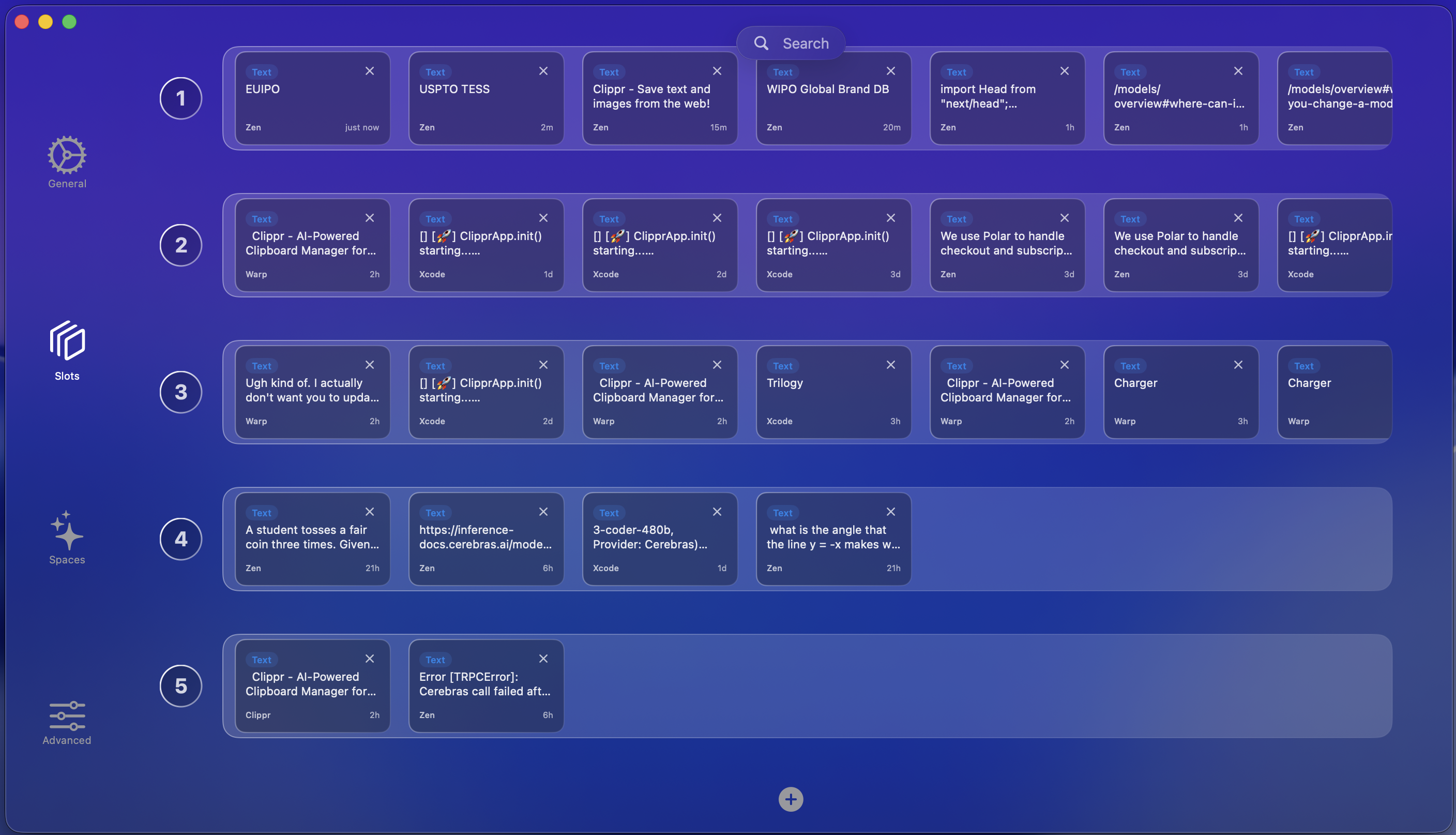
Multiple clipboard slots
Copy multiple things at once. Each slot remembers everything.
Independent clipboard slots, each with its own history. Switch between them instantly, move items around, or pull up the quick bar to access everything without leaving what you're doing.
Independent slots
Each slot is its own clipboard with a separate history. Switch between them instantly with a shortcut you choose.
Quick bar
A floating HUD over your work. Browse, find, paste — without opening the full app or losing focus. Zero context switching.
Persistent history
Every copy is saved automatically. Restarts, crashes, doesn’t matter — it’s always there, nothing just disappears.
Search everything instantly.
Text, images, links, code — all searchable from one window. Type a few characters and results narrow in real time. Find what you copied five minutes ago or five weeks ago, then paste it and get back to work.
AI that organizes without asking.
Copies are automatically tagged — URLs, code, emails, addresses — so you can filter by type instead of scrolling through everything. Powered by ZDR inference. Nothing stored, nothing trained on.
“Your clipboard is the most-used, least-respected part of your computer.”
We thought that was worth fixing
How it's built
Clippr is a full native Swift application — not Electron, not a web wrapper, not a menu bar utility. It runs in the background and only appears when you need it. Your clipboard history is cached intentionally so searching is instant.
AI features run through zero-retention inference — your clipboard data is processed and immediately discarded. Nothing is stored by Clippr or its providers. Nothing is used for training. Everything stays on your Mac.
Runtime
Native Swift
AI
ZDR inference
Data
Stays on your Mac
Requires
macOS 26+
Stop losing what you copy.
Free during beta. macOS 26+. No card required.